Covenant Eyes Family Review: Privacy, Accountability, and Device Fit
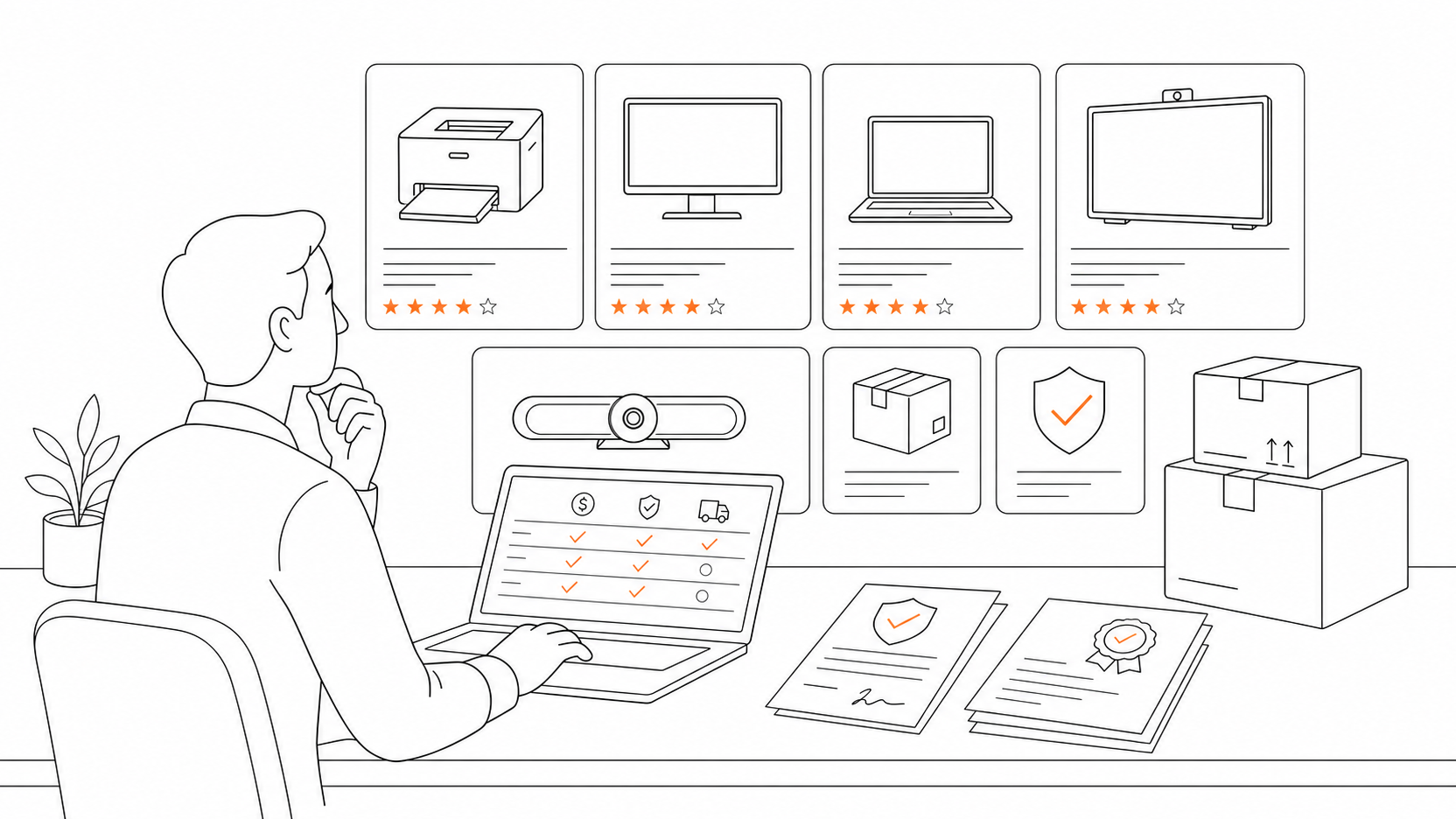
A family screen-safety tool sounds easy until it touches a teenager's phone, a parent's trust, and a private browsing history at the same time. That is the real tension in this Covenant Eyes family review. The product is not just a web filter. It is an accountability system built around reports, allies, blocking, recovery content, and conversations that may be helpful or harmful depending on how the family uses them.
The practical verdict is narrow: Covenant Eyes can fit a family that has already agreed to transparent accountability, especially when the goal is avoiding explicit content and building better digital habits. It is not a quiet surveillance shortcut. If the child, teen, spouse, or student does not understand what is being reported and who can see it, the product can damage trust faster than it improves safety.
This review is based on public sources, including the official Victory by Covenant Eyes page, the Victory Shield Google Play listing, the Covenant Eyes privacy policy, and WIRED reporting on accountability-app privacy concerns. We did not install the app or run a lab test. Our review standards are explained in our editorial policy, and our site background is on the About page.
Covenant Eyes Family Review: What It Is Actually Built To Do
Covenant Eyes now frames its flagship experience around Victory by Covenant Eyes. The official Victory page describes a relationship-first accountability product for individuals, couples, parents, and friends. Its listed feature set includes Screen Accountability, Porn Blocking, Activity Feed and Check-ins, Learning + Mini Courses, and Community Connection.
That combination matters for families. A basic parental-control app usually starts with blocking, screen-time limits, app limits, location, or device rules. Covenant Eyes starts with accountability. The point is not only to stop a page from loading. The point is to make concerning activity visible enough that a chosen ally can start a conversation.
For a family, that can be useful when the young person is old enough to participate in the agreement. A teenager who wants help avoiding explicit content may benefit from a trusted parent, mentor, or counselor receiving reports. A younger child who simply needs safer browsing may need a simpler tool with less sensitive reporting.
If you want broader security context, compare this with our F-Secure review. If your real problem is choosing education platforms rather than device accountability, start with our online course buying guide.
How Screen Accountability Changes The Parent-Child Dynamic

The feature families should understand first is Screen Accountability. Covenant Eyes says Victory Shield can capture screenshots and make them available to a chosen ally. Its privacy policy says screenshots are rated, reduced in size, blurred, and sent for reporting, while iPhone and iPad use may also include domains accessed on the device. The same policy says reports go to allies selected by the accountability user.
This is more sensitive than a normal content filter. Even when images are blurred, the system still handles screen activity, metadata, scores, timing, and reports. The Google Play listing also says the Android app may use Accessibility Service, Device Administrator, and VpnService permissions to support app lock, device guardrails, malware exposure reduction, explicit-content filtering, and block or allow lists.
For parents, the main question is not whether those permissions are good or bad in the abstract. The question is whether the family has a clear agreement. Who sees reports? What happens after a flagged event? Is the goal support, discipline, counseling, or restriction? Can the student ask for a different ally if the relationship becomes tense?
If those answers are vague, Covenant Eyes is too heavy for the job. If the answers are explicit and the young person wants accountability, the product's design is closer to a structured support system than a hidden monitoring tool.
Device Fit: Where Covenant Eyes Looks Stronger And Where It May Frustrate Families

Covenant Eyes is most relevant when the family wants coverage across phones and computers, not just one browser. The official Victory page lists iOS, Android, Mac, and Windows in the context of porn blocking. The Google Play listing describes explicit domain filtering, custom block and allow lists, optional YouTube Restricted Mode, and device-wide Google and Bing SafeSearch enforcement.
The tradeoff is complexity. A tool that touches device-wide filtering and reporting can create friction with VPN behavior, browser restrictions, school networks, or work profiles. Public Google Play reviews include positive ratings, but also complaints about connectivity and VPN reliability. As of June 11, 2026, the listing showed a 4.4 star rating, 11.6K reviews, 500K+ downloads, and a May 6, 2026 update date. Those numbers are useful as a snapshot, not a guarantee for every device.
Families should test the app on the exact device mix before committing to a long plan. A household with one parent-managed Android phone and one home Windows laptop is different from a high-school student who moves between school Wi-Fi, a personal iPhone, a Chromebook, and a shared family computer.
For learning workflows where the device is used for courses, tutoring, or classroom video, also read our Movavi Academic review and Victory by Covenant Eyes review so the accountability layer does not get confused with learning software itself.
Privacy And Consent Are The Real Buying Criteria
WIRED's reporting on accountability apps raised a hard but necessary concern: monitoring tools can become coercive when used inside relationships with unequal power. That warning applies directly to family and faith-based use. A parent can reasonably protect a child online, but a teen or adult student may experience the same tool as surveillance if the rules are unclear or punitive.
Covenant Eyes' own privacy policy is more specific than many buyers may expect. It describes screenshot capture and metadata, blurred image reporting, domain logging on iPhone and iPad, reports to selected allies, and possible internal use of de-associated data for operations or AI performance improvement. That does not mean families should automatically reject the product. It does mean they should treat installation as a serious privacy decision.
A practical family agreement should cover four points before anyone installs the app. First, define the purpose: recovery support, safer browsing, or temporary guardrails. Second, define the ally: a parent, spouse, mentor, or counselor who can respond calmly. Third, define response rules: what happens after a report and what does not happen. Fourth, define review dates: when the family will revisit whether the tool is still needed.
If a family cannot discuss those points, a lighter DNS filter, browser-level restriction, router-level setting, or built-in platform parental control may be a better starting point.
Who Should Consider Covenant Eyes For A Family Setup
Covenant Eyes is worth considering when a teen or adult family member voluntarily wants accountability around explicit content and prefers a human support loop over silent blocking. It may also fit couples rebuilding trust where both people agree on boundaries, report access, and the role of an ally.
It can also fit faith-based families that already use mentoring or counseling language, because the product's recovery content and community framing are explicitly built around that worldview. The official site uses Christian recovery language, so families outside that context should decide whether the tone feels helpful or distracting.
It is a weaker fit for young children who only need age-appropriate browsing limits. It is also a weak fit for school-owned devices unless the school policy, parent permission, and student expectations are all clear. For education SaaS buyers, the distinction is important: Covenant Eyes is not a learning platform, tutoring marketplace, classroom management suite, or study app. It is an accountability and explicit-content protection tool that may sit beside learning software.
Setup Questions To Ask Before You Subscribe

Before paying, answer these questions in writing:
- Which devices need coverage: phone, laptop, tablet, or shared desktop?
- Who is the accountability ally, and why are they the right person?
- What types of reports will the ally receive?
- What is the response plan after a concerning report?
- Can the student or family member request a check-in without being punished?
- Does the device belong to the family, school, employer, or student?
- Will the app conflict with school Wi-Fi, VPNs, or device management software?
- What is the review date for continuing, changing, or removing the setup?
These questions are not administrative clutter. They are the difference between accountability and resentment.
Title Candidates
- Covenant Eyes Family Review: Privacy, Accountability, and Device Fit Before Parents Subscribe
- Is Covenant Eyes Right For Family Screens? Privacy Questions Parents Should Ask First
- Covenant Eyes For Parents: Seven Checks Before You Add It To A Student Device
- Covenant Eyes Review For Families: When Accountability Helps And When It Goes Too Far
- Before You Install Covenant Eyes At Home, Read This Family Device Checklist
FAQ
Is Covenant Eyes a parental-control app?
Partly, but that label is incomplete. Covenant Eyes includes blocking and reporting features, yet its core model is accountability with a chosen ally. Families looking only for app limits, bedtime controls, or location tracking may find it broader and more sensitive than needed.
Does Covenant Eyes monitor screenshots?
Covenant Eyes' privacy policy describes Screen Accountability technology that randomly captures screenshots and related metadata, rates the screenshot, reduces and blurs it, and uses reports for selected allies. Buyers should read the current privacy policy before installing.
Is Covenant Eyes suitable for teenagers?
It can be suitable for teenagers who understand the reporting model and agree to accountability. It is a poor fit when used secretly or mainly as punishment. Teen use should include clear consent, response rules, and a review date.
Does Covenant Eyes work on school devices?
Do not assume it does. School-managed devices may have network, VPN, app-install, and privacy policies that conflict with third-party monitoring tools. Ask the school or IT administrator before installing anything on a managed device.
What should families compare before choosing Covenant Eyes?
Compare the purpose first. If the goal is explicit-content accountability with a trusted ally, Covenant Eyes may fit. If the goal is general child safety, screen-time limits, homework focus, or classroom control, compare lighter parental-control and device-management options first.
Final Verdict
Covenant Eyes is not a casual safety switch for family screens. It is a serious accountability tool with real privacy tradeoffs. Families should consider it when the person being protected wants support, the ally is trustworthy, and the rules are explicit. If the plan depends on secrecy, pressure, or vague reporting, start with a less intrusive tool and a better conversation first.
Sources: Victory by Covenant Eyes, Google Play Victory Shield listing, Covenant Eyes Privacy Policy, WIRED accountability-app reporting.